
Home / The app
Get the Vaibu Connect app
Every deal in your pocket. Free, small (8.1 MB) and made for Android.
A look inside
Simple, fast, made for you
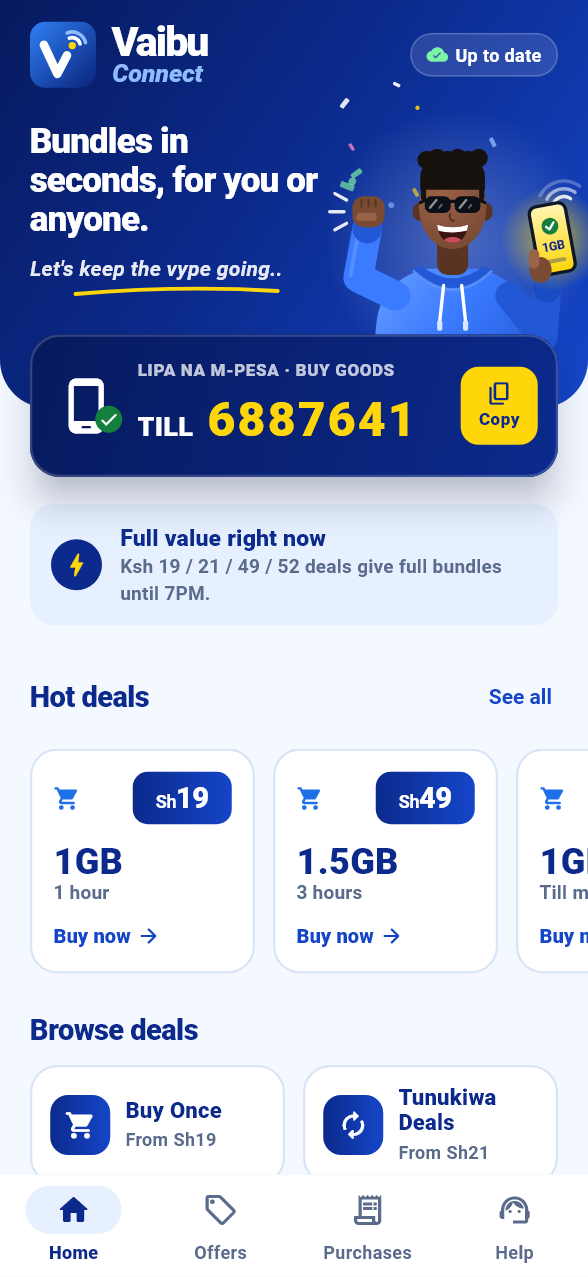
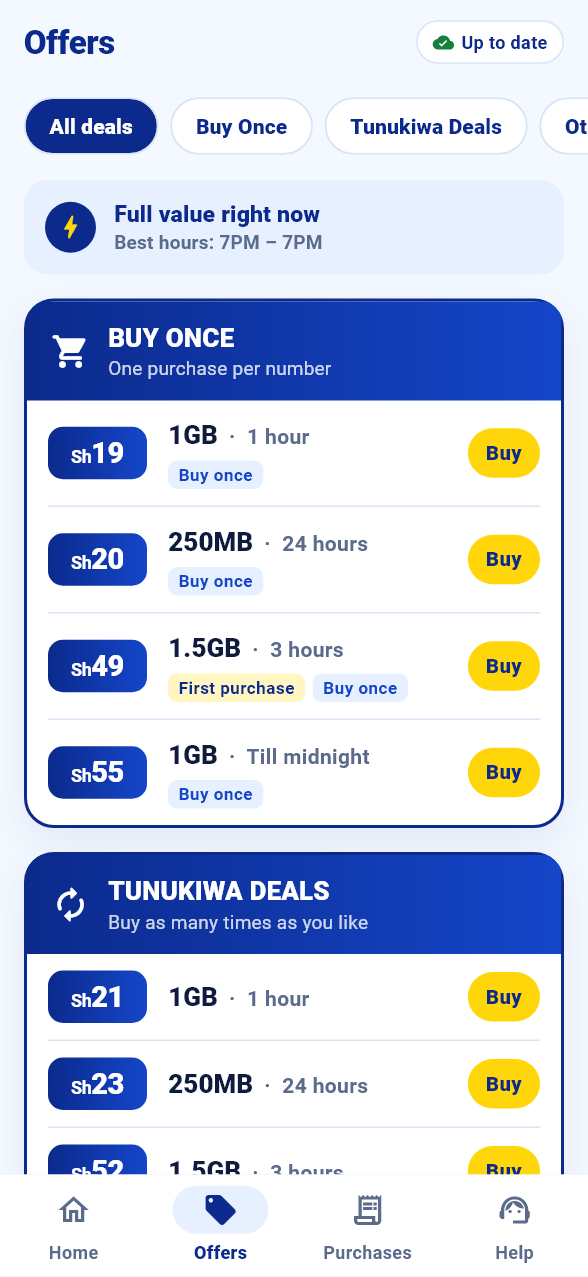
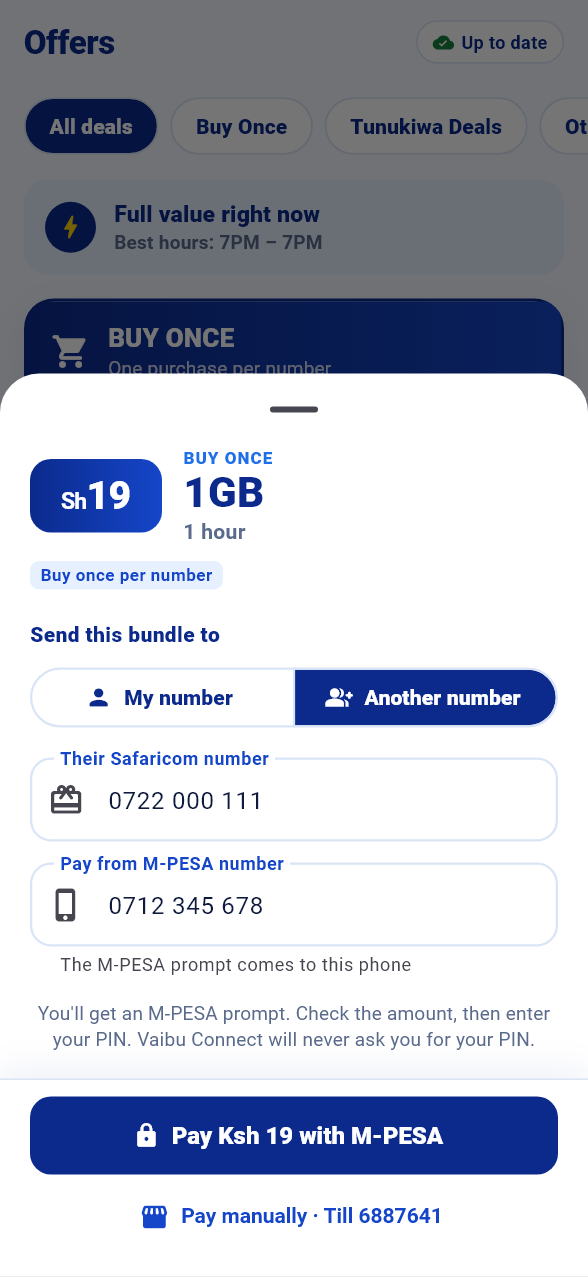
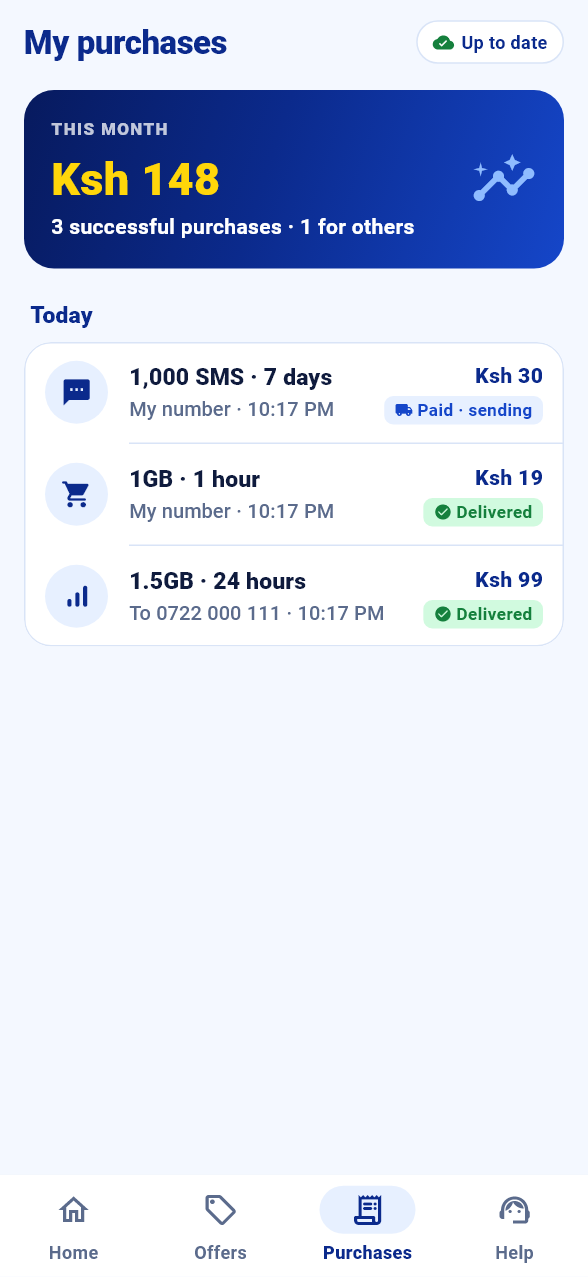
Features
Why get the app
Offers even offline
Deals and the till are saved on your phone, and refresh by themselves when you're online.
Buy for anyone
Send data, minutes or SMS to any Safaricom number and pay from your own M-PESA.
Your purchases
See every bundle you've bought, who it went to and its M-PESA code.
New deals first
Join our WhatsApp channel from the app and catch flash offers early.
Install
How to install
- Tap Download the app and wait for it to finish.
- Open the downloaded file from the notification or your Downloads folder.
- If your phone asks, allow installing apps from your browser, then go back.
- Tap Install, then Open. Done!
App won't install? Download the version for older phones (7.5 MB).
The app is for Android phones. On iPhone, buy any deal on our offers page with Till 6887641.
Version 1.0.1
Updated 23 Nov 2026 · 8.1 MB
SHA-256: 721c076caa1282919889237ee98aea413d1f899801fa13861af68772875490a0